Two colour shuttle pad printer
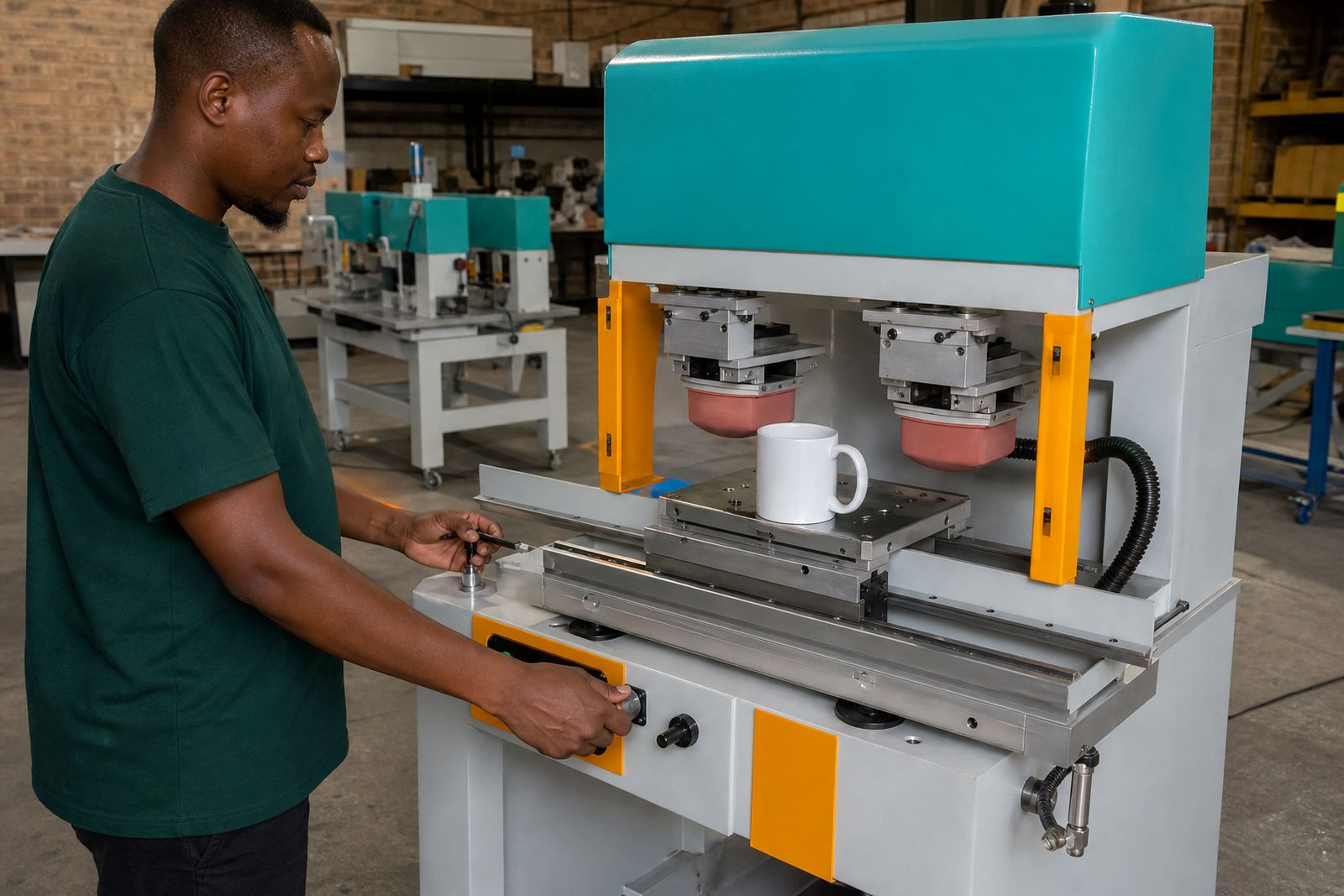
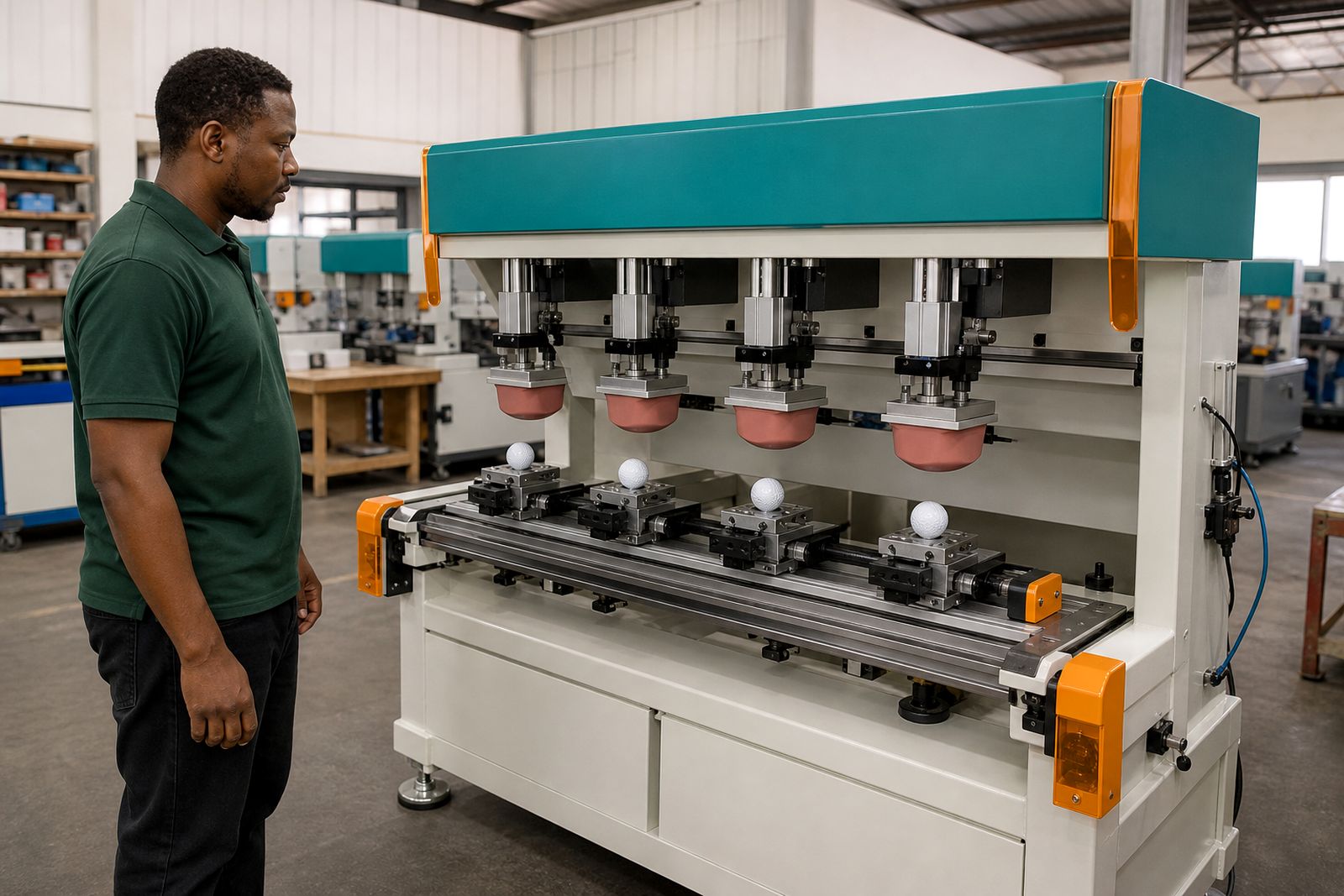
A two colour shuttle pad printer gives branding shops a practical way to print two passes in register on curved and awkward items. This machine suits mugs, caps, lids and similar promotional products where a single colour print is too limited.
Built for two-pass registration on shaped products
This machine uses a shuttle table to move the part between the first and second print positions so two colours can land in a controlled sequence. For branding businesses printing onto mugs, caps, lids, labels and small promotional items, that matters more than headline speed. The shuttle keeps placement repeatable across batches when the fixture is made correctly and the part shape is consistent.
It is a good fit where you need a second spot colour, an outline plus fill, or a small logo built from two separate images. On caps and drinkware the second print often finishes the job neatly, but only if the artwork, cliché set and pad choice match the surface. That is where setup counts a lot, and it can save plenty of wasted stock.
- Two print positions for two separate images or colours
- Shuttle movement to carry the item between print heads in register
- Useful on mugs, lids, caps, bottles and small moulded parts
- Works with matching inks, silicone pads, clichés and custom jigs
Print sizes, options and working limits
Two colour shuttle machines are usually chosen by image area first and product shape second. A larger print area helps on mugs and wider cap panels, but the part still needs to fit the fixture and clear the pads during travel. A small machine can do neat logo work on pens and lids, while a larger table gives more room for bulky items and more forgiving jig design.
Typical image areas range from compact layouts for clips and labels up to medium format work for mugs and cap fronts. Maximum item height and pad stroke matter just as much as plate size. Deep recesses, heavy taper, mould seams and large handle interference can limit what can be printed even when the artwork itself looks small enough.
- Compact format for pens, closures, tags and small lids
- Medium format for mugs, cap fronts and broader promotional parts
- Manual loading with foot switch or hand controls depending on setup
- Closed ink cup systems are commonly preferred for cleaner ink handling
Where the job needs a wraparound decoration, very large artwork, or four process style graphics, this is usually not the right route. It also does not suit products with large variations from item to item, because registration can drift if the moulded part changes shape even a little.
Where this machine earns its keep
In a South African branding shop this model often earns its place on repeat work such as mug logos, cap badges, bottle lids, cosmetic lids, small tubs and garment label components. It handles regular production better than trying to line up two separate single-colour runs on different machines. For short runs and medium runs that need tidy register, the shuttle layout is practical and easier for an operator to learn.
It is less suitable for oversized drinkware, highly conical items, rough textured surfaces and products with flexible walls that deform in the jig. Some jobs can still be done, but they need careful trials and sometimes a purpose-made fixture with support points in odd places. On a sample that looks easy, the curve can still catch you out.
- Best for repeat logo work on consistent moulded products
- Useful where two spot colours must sit in register
- Less suited to wrap prints and very deep recesses
- Not intended for public walk-in printing of finished branded stock
Installation space and site requirements
We set up these machines for branding businesses in Gauteng and arrange delivery to every province. In most workshops the machine needs a steady bench or stand, clean compressed air and ordinary mains power for the controls and drying accessories used around the print station. Good lighting helps the operator judge pickup and placement, especially when redrawing a job after a pad change.
A dry, dust-controlled area is worth having because ink condition and plate cleanliness affect registration. In coastal humidity the ink balance may need closer attention, while inland winter air can change open time and tack. Leave room around the machine for cliché changes, pad storage and jig loading. Cramped benches cause knocks and that shows up in registration quite fast.
- Stable work surface with enough room for loading and unloading
- Compressed air supply sized for regular cycling
- Mains power for the machine controls and nearby drying equipment
- Clean area for inks, thinners, pads and plate handling
Daily care, consumables and setup discipline
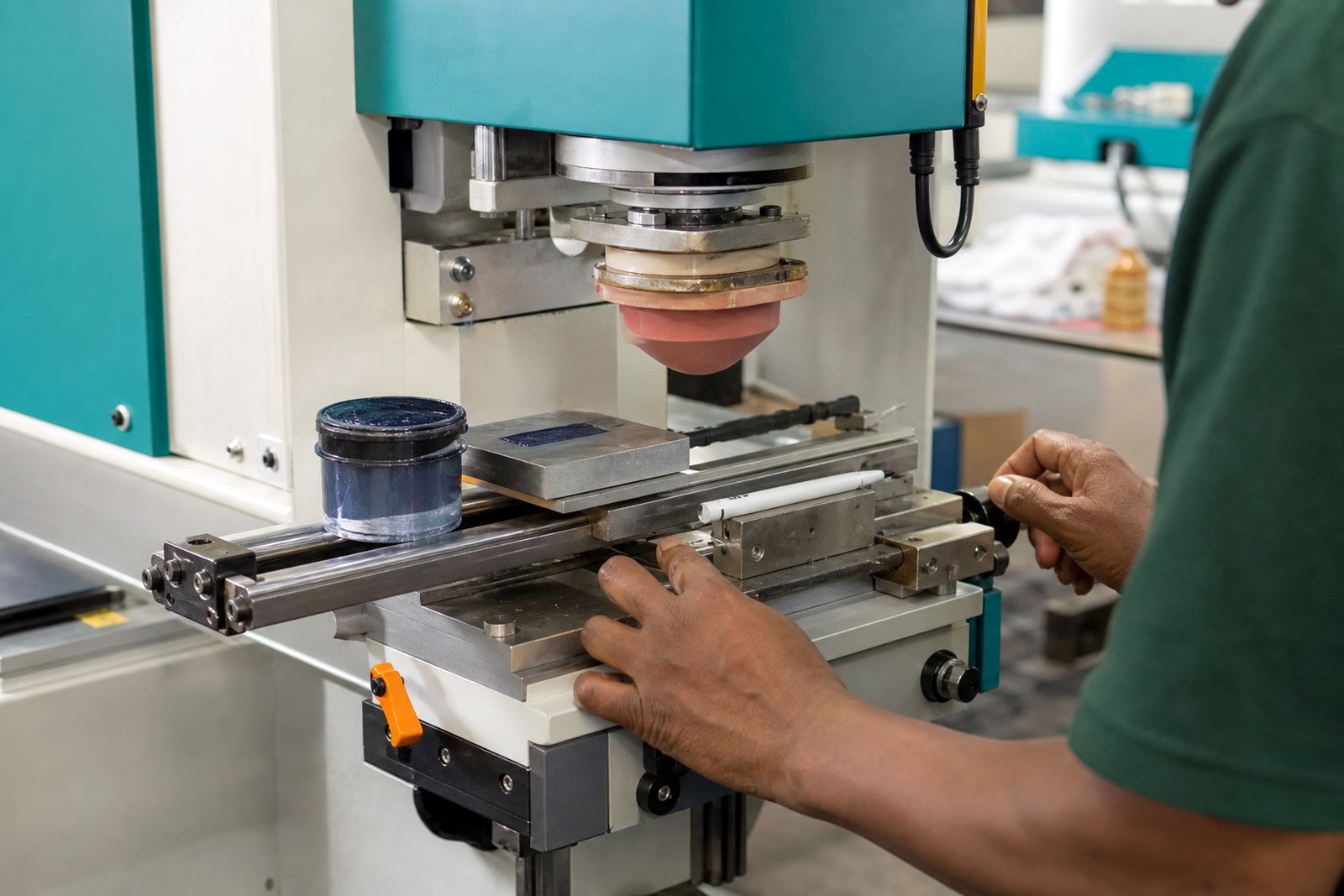
Two colour work asks more of the operator than a one colour print because each image must pick up cleanly and land in the same place every cycle. Pads should be kept clean and stored properly, clichés need the correct depth and finish, and the fixture has to hold the part without twist. When one of those slips, the second colour shows it straight away.
Routine care is not complicated but it must be steady. Clean the ink cups, check pad condition, keep the shuttle guides free from dried ink and dust, and inspect the fixture for wear. If mugs or lids start seating differently in the jig, registration will move before the operator even notices why. That little drift is normal on worn holding points.
- Clean pads with the correct materials, not aggressive solvents
- Store pads away from dust and direct heat
- Check fixtures for wear on location points and clamps
- Keep a record of pad shape, plate artwork and ink mix for repeat jobs
Details to send with your enquiry
When you ask about a two colour shuttle pad printer, include the products you print most often, the largest image area you need, and whether the job is mostly mugs, caps, lids or mixed promotional items. It helps to know if you need custom jigs, spare pads, clichés and operator training as part of the package. If you already run pad printing equipment, mention the print sizes you use now and the problems you want to fix.
Please send product photos, dimensions in millimetres, and a note on the material if you have it. A side view matters on curved items because the shape decides pad reach and jig design. If the item has a handle, taper, dome or recess, say so clearly. You can send the details through our contact form and we will match the machine, pads and fixture approach to the work you actually do.
- Main products printed each week
- Artwork size and number of colours
- Item dimensions, shape and material
- Need for jigs, consumables, setup help and operator training
What our Pad Printing customers say
Verified Google reviews
Questions we get asked
Can this machine print two colours on a mug?
Yes, where the logo size, mug shape and fixture design allow proper pad access and registration. Straight-sided mugs are usually easier than strongly tapered or oversized shapes.
Is a two colour shuttle machine better than two separate single colour machines?
For registered two-colour work on the same item, usually yes. The shuttle keeps the part indexed between print positions, which simplifies repeatability for the operator.
Do I need custom jigs for caps and lids?
In most cases, yes. Shaped products need proper support and location points so the item returns to the same print position every cycle.
Tell us about the job
Send sizes, materials and where you are through our contact form, and we will come back with the practical options.
Open the contact form